> ## Documentation Index
> Fetch the complete documentation index at: https://omnifit-64.mintlify.site/llms.txt
> Use this file to discover all available pages before exploring further.
# Other Sources
> Train your AI chatbot on Notion and Dropbox!
### **How to train your AI Chatbot?**
To manage all your chatbots, you first need to visit the OmnifitAI Dashboard
To manage your bot, select it from the left sidebar.
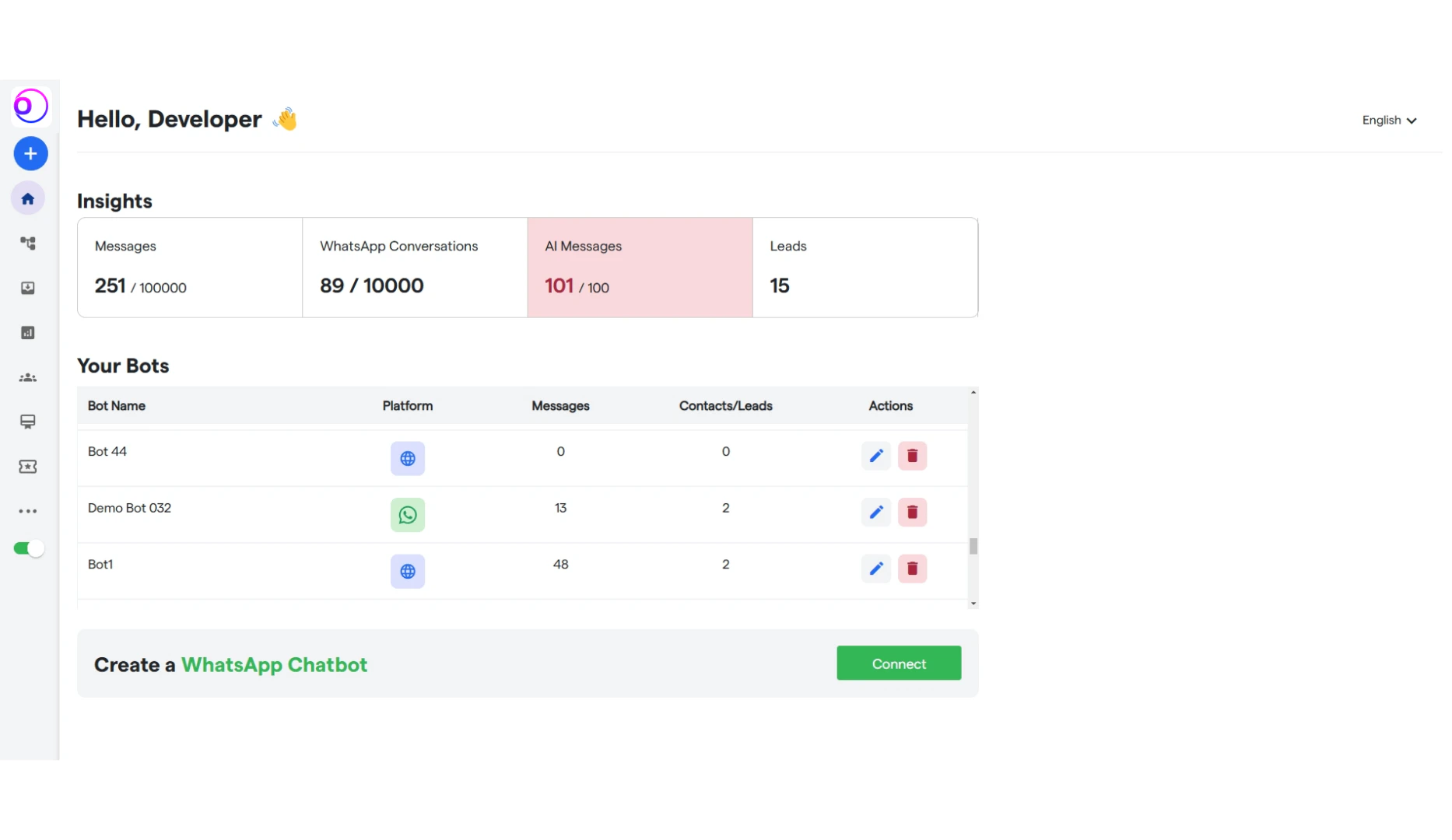 Click on **“Train Your AI Chat Bot”** and start training your AI Chat Bot.
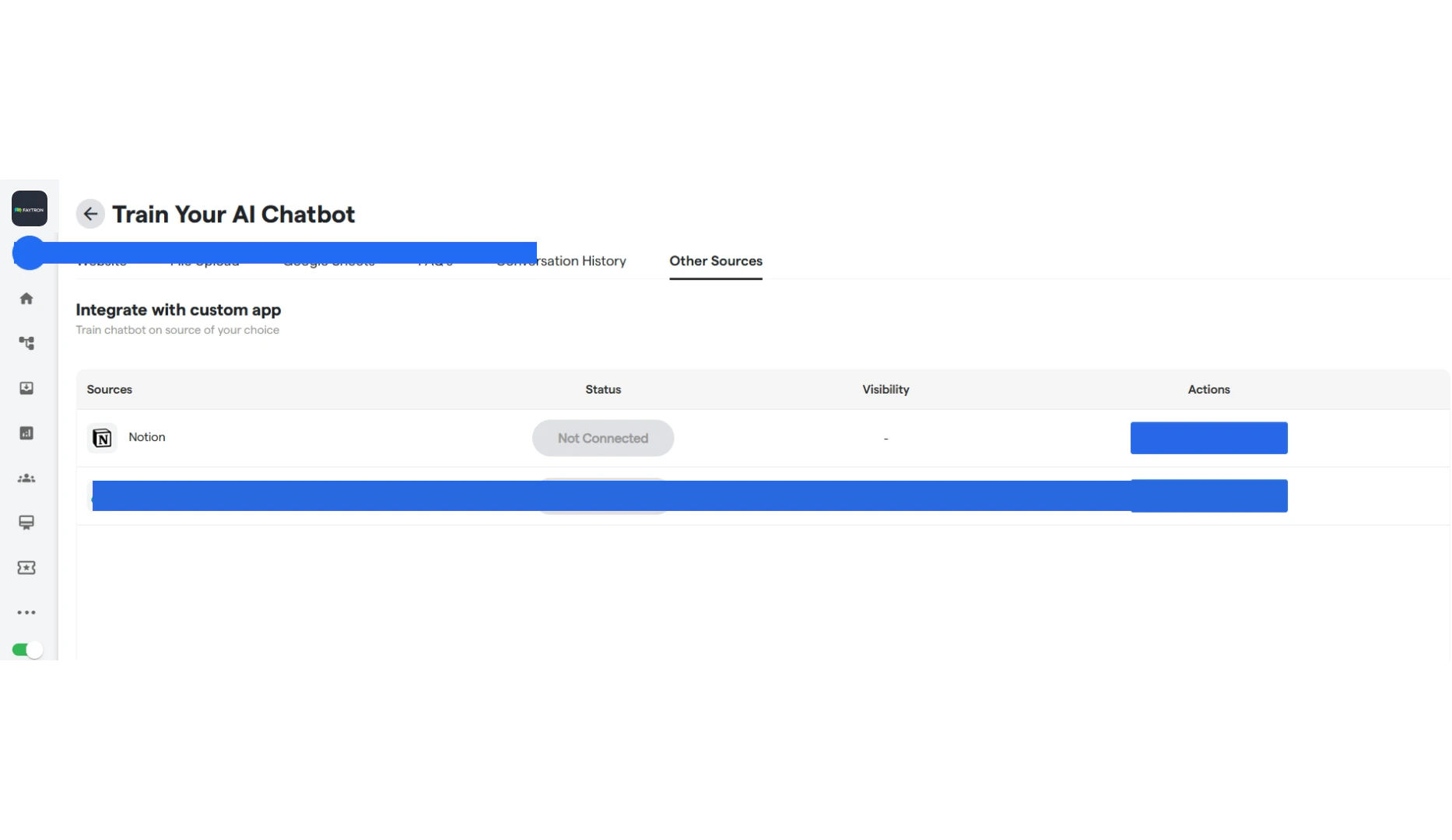
#### **Other Sources**
1. You can connect your Notion Page and your chatbot will retrieve information from it.
2. Similarly you can connect your Google Drive and your chatbot will retrieve information from it.
Click on **“Train Your AI Chat Bot”** and start training your AI Chat Bot.
#### **Other Sources**
1. You can connect your Notion Page and your chatbot will retrieve information from it.
2. Similarly you can connect your Google Drive and your chatbot will retrieve information from it.
 Your AI-powered chatbot is now fully equipped to handle and answer all user queries seamlessly!