
Platform Subscriptions
The platform offers a flexible, SaaS-based subscription model that allows you to scale usage based on your operational needs. You can manage your subscription, message limits, and add-ons directly from the Dashboard. Subscriptions are structured around pricing plans and message add-ons, giving you granular control over monthly or yearly consumption.Current Subscription
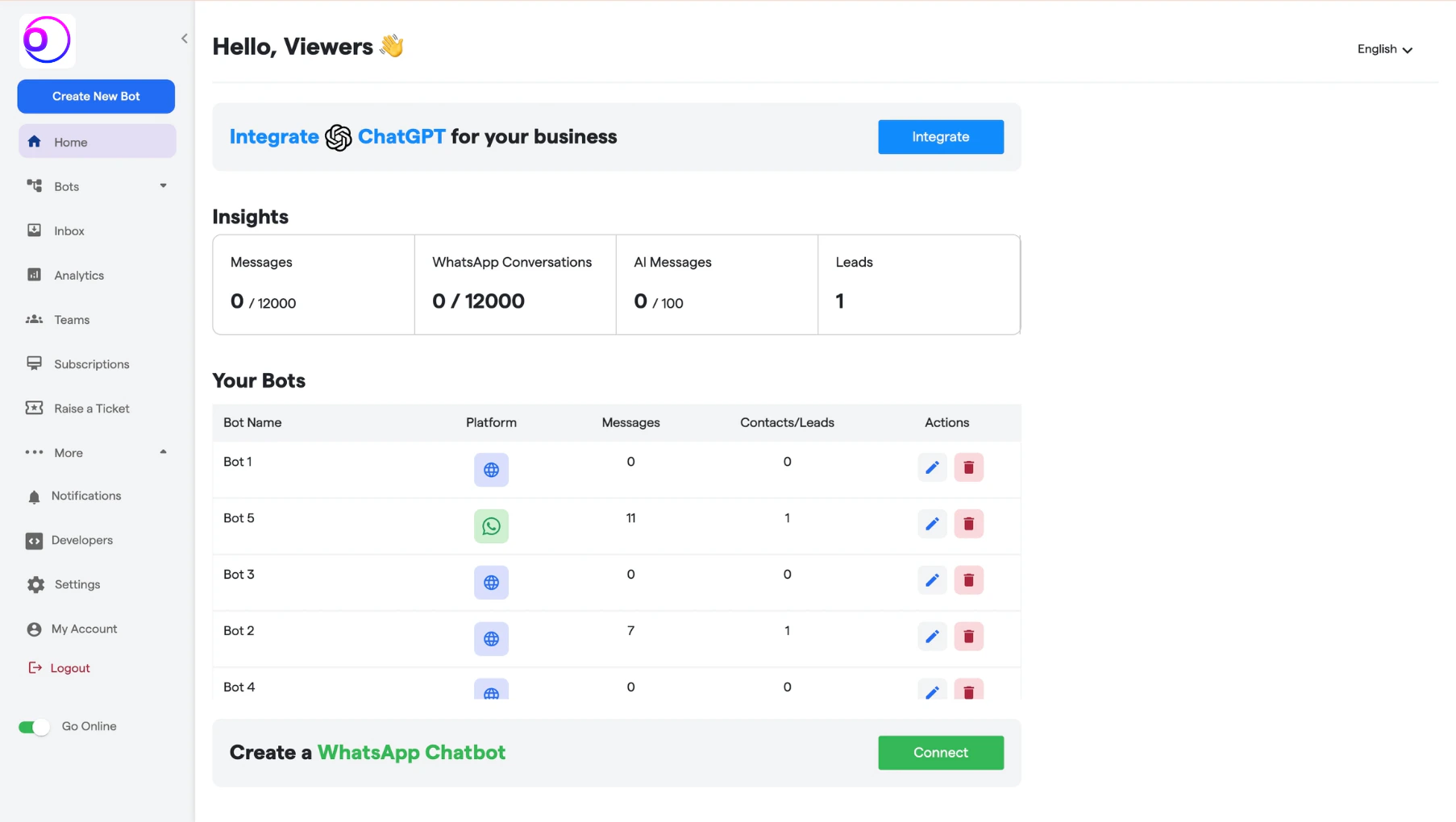
You can review your active subscription details from the Subscriptions section within the Dashboard. How to access:- Navigate to the left-side menu
- Click on Subscriptions
- Open the Subscriptions tab
- Your current plan
- Billing cycle (Monthly / Yearly)
- Message limits
- Active add-ons
- Renewal status
Pricing Plans Overview
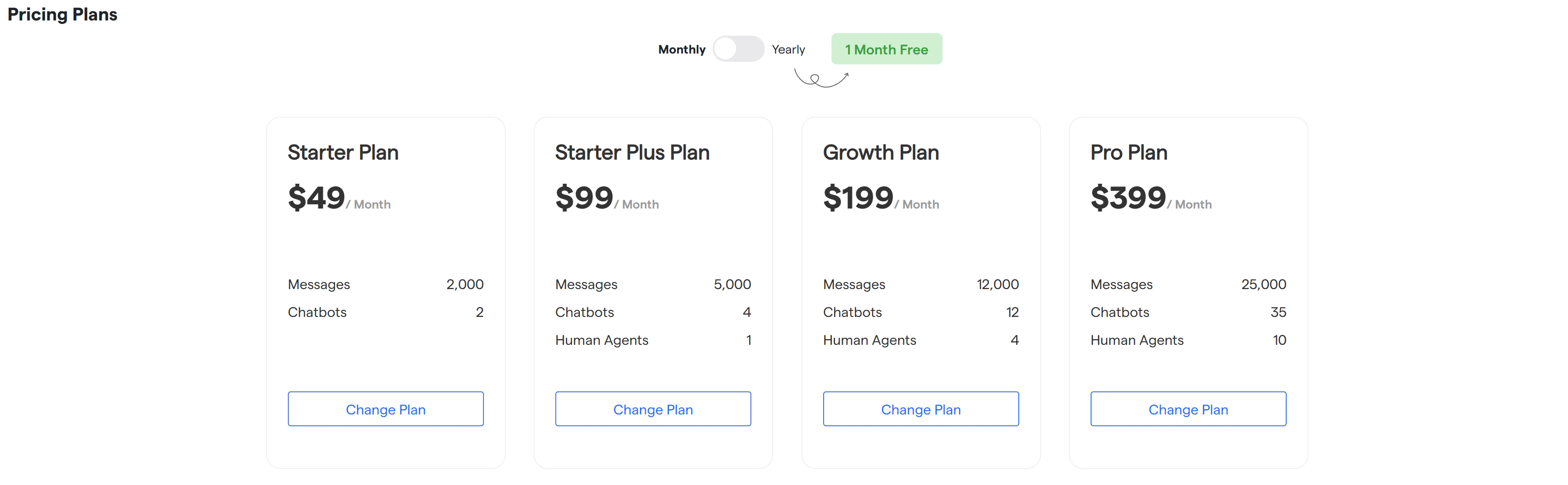
The platform offers four core subscription tiers designed to support businesses at different stages of growth.Starter Plan
- Price: $49 / Month
- Messages: 2,000
- Chatbots: 2
Starter Plus Plan
- Price: $99 / Month
- Messages: 5,000
- Chatbots: 4
- Human Agents: 1
Growth Plan
- Price: $199 / Month
- Messages: 12,000
- Chatbots: 12
- Human Agents: 4
Pro Plan
- Price: $399 / Month
- Messages: 25,000
- Chatbots: 35
- Human Agents: 10
Upgrade Your Plan
Upgrading your plan is a streamlined, self-serve process.- Navigate to Subscriptions from the left menu and open the Plan tab.
- On the plans screen:
- Select billing frequency: choose between Monthly or Yearly billing using the toggle.
- Review available plans: Compare plan limits such as message volume, chatbot count, and human agent allocation.
- Select a plan: Click on the Change Plan button under the desired plan.
- Follow the on-screen checkout instructions to complete payment.
Message Add-ons
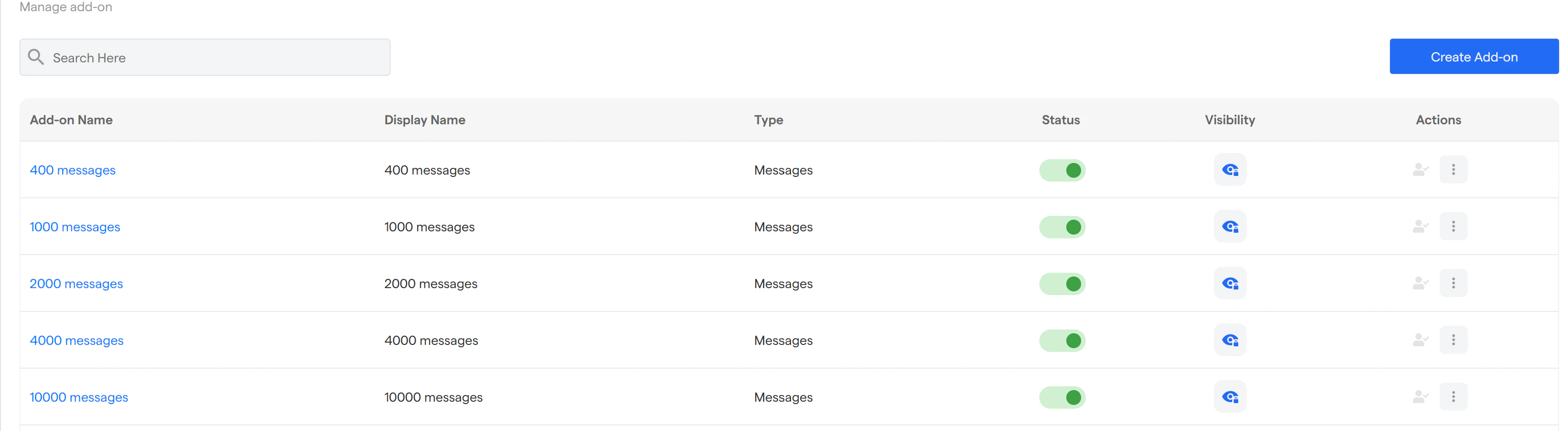
If your usage exceeds the base plan limits, you can extend capacity using message add-ons.Available Add-ons
- 400 messages
- 1,000 messages
- 2,000 messages
- 4,000 messages
- 10,000 messages
- Enabled or disabled from the Manage Add-ons section
- Controlled for visibility
- Activated instantly without changing your base plan
-
Select the options that best meet your requirements.
Downgrade or Cancel Subscription
If you need to reduce usage or pause billing, you can downgrade your plan at any time.- Go to Subscriptions → Plan tab from the Dashboard.
- Select the Free / Lower Plan option available under your current plan.
- Confirm the downgrade request in the confirmation modal by clicking Downgrade.
- Once confirmed:
- The downgrade request will be queued
- Your existing plan remains active until the end of the billing cycle
- No further charges will apply after the cycle ends