Documentation Index

Fetch the complete documentation index at: https://omnifit-64.mintlify.app/llms.txt

Use this file to discover all available pages before exploring further.

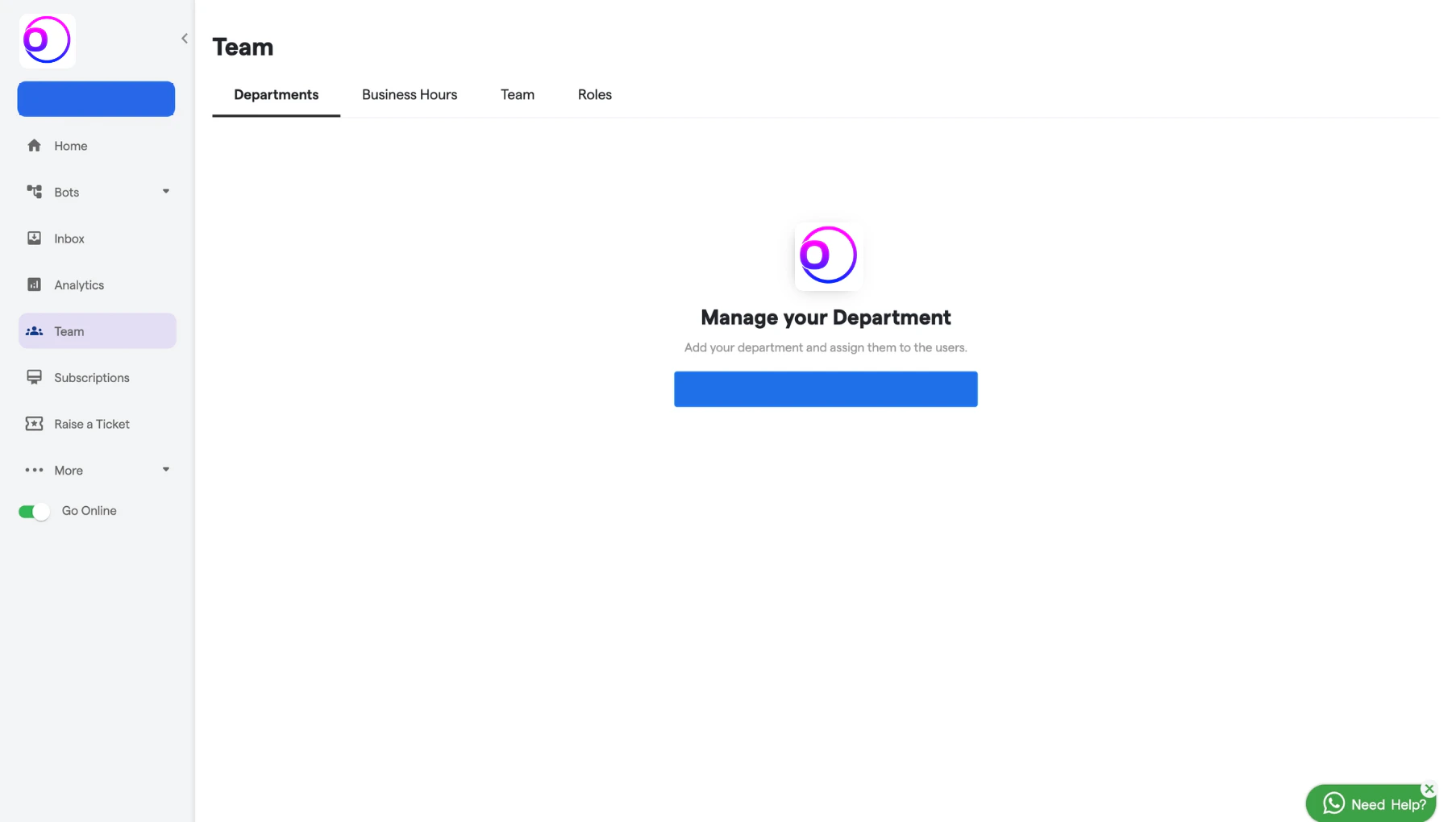
In the Departments section, you can create and organize departments based on your needs. You can assign specific team members to a particular department.

How to create Department:

  1. Navigate to the Departments section. 181 Departments  OmnifitAI Resource Centre 1 Pn
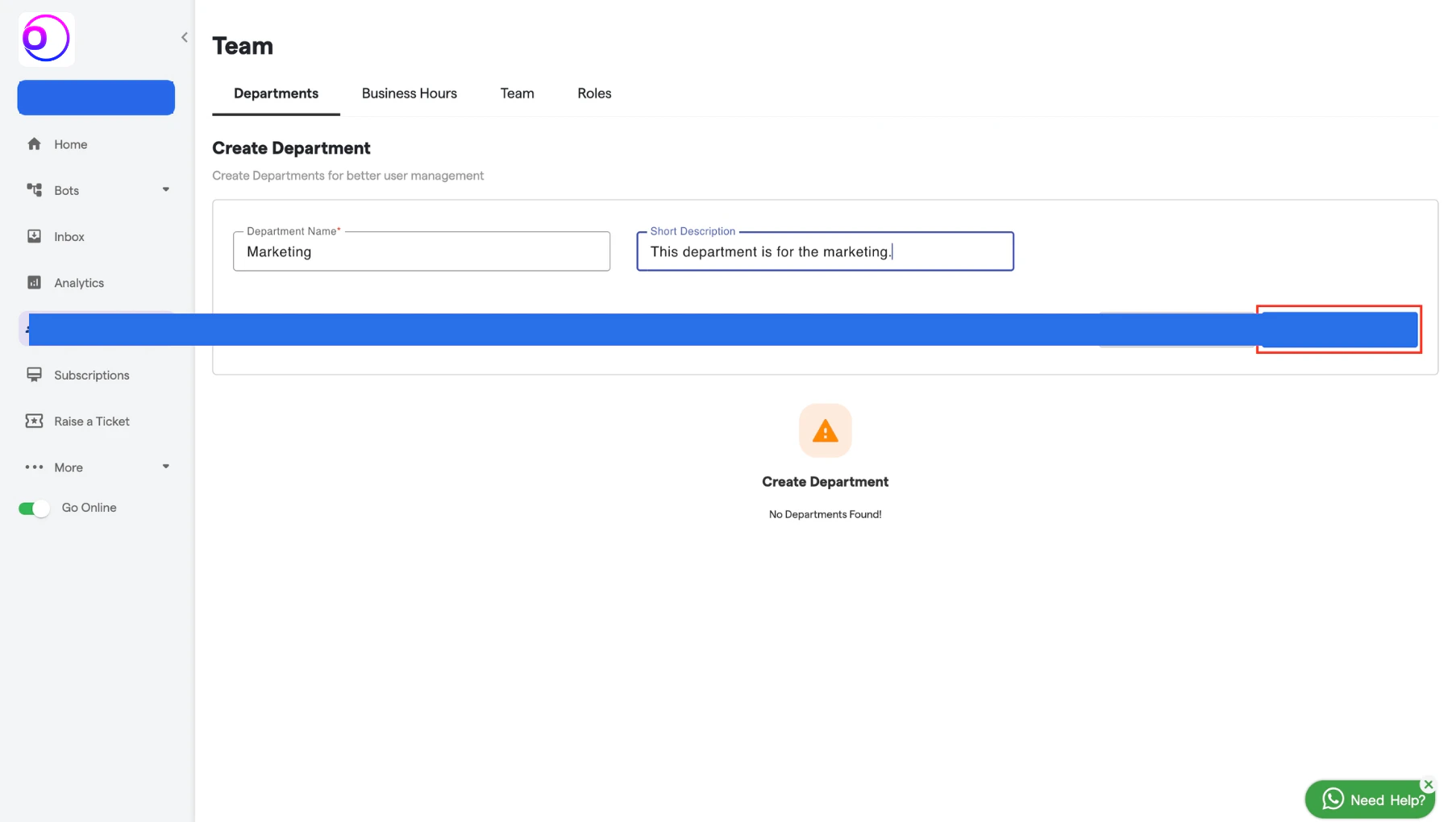
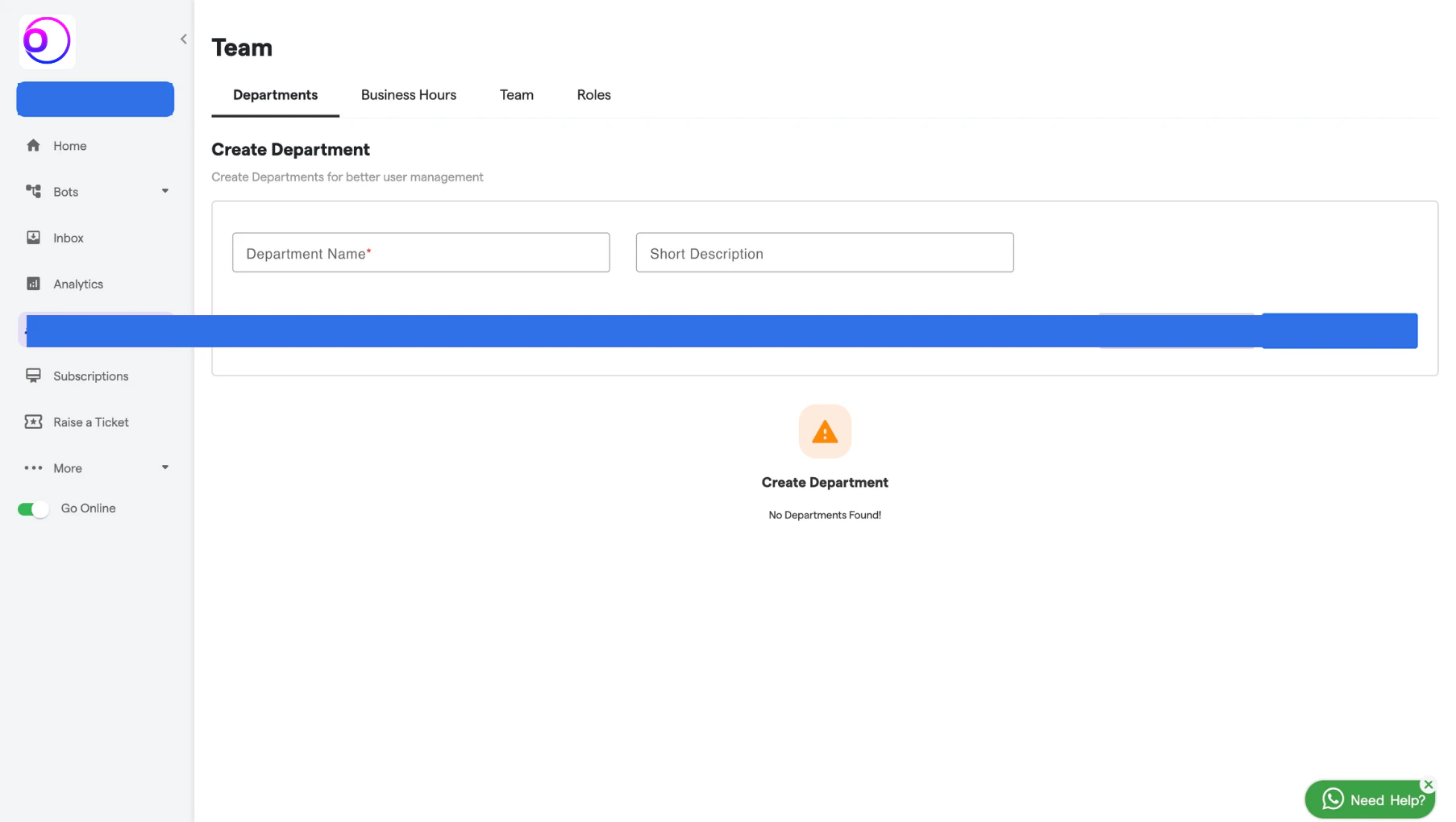
  2. Enter a name for the department in the Name field.
  3. Add a short description for the department, if needed. 181 Departments  OmnifitAI Resource Centre 2 Pn
  4. After filling in all the details click on the “Add Department” button. 181 Departments  OmnifitAI Resource Centre 3 Pn